AI clip finder for creators

Turn long videos into viral clips. 

AI finds the best moments for you.

YouTube·Twitchsoon·Kicksoon·Rumblesoon

AI clip finder Clip editor Add captions Reframe Projects Brand kit Content calendar
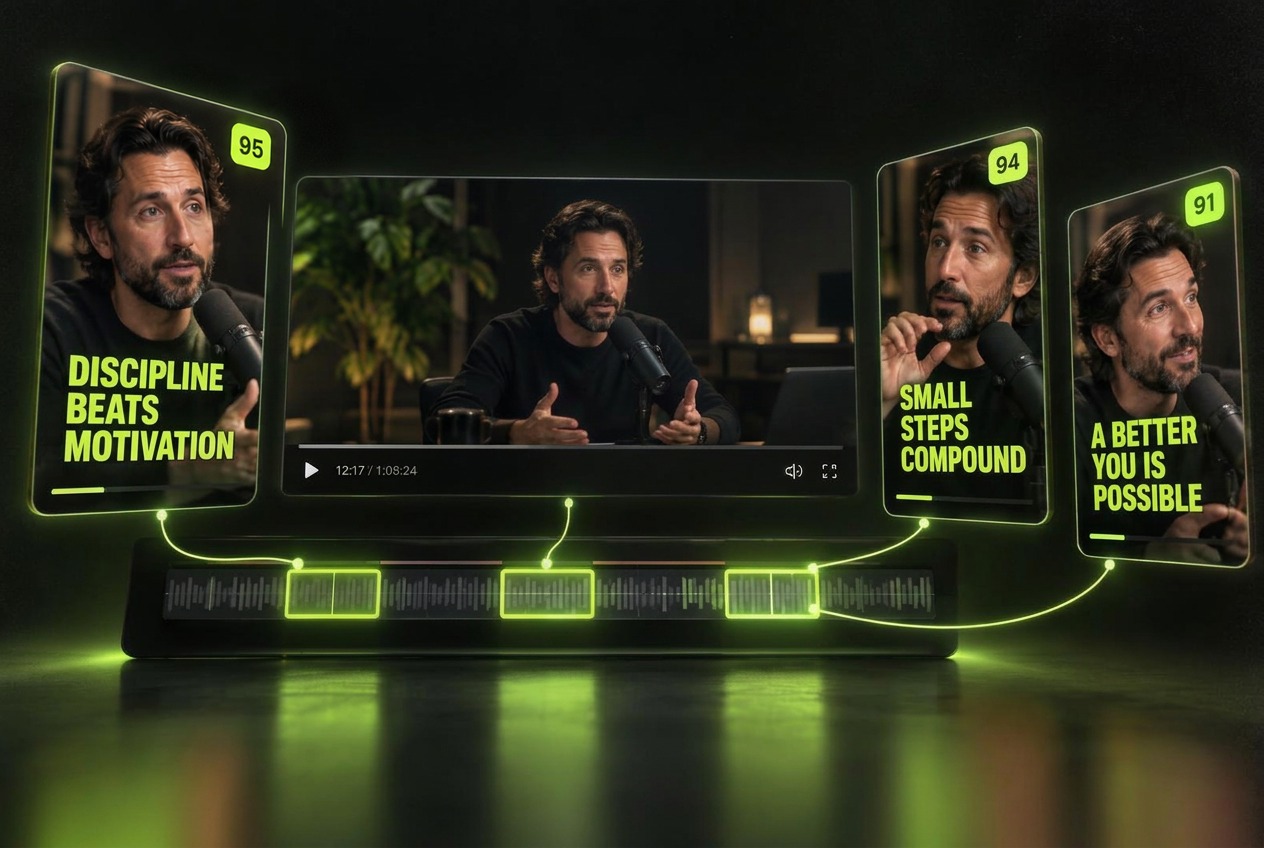
Three vertical uTrimz clips with bold captions and virality scores
AI clip finder Virality scores Autoframe Drag-and-drop captions Brand kits Headline editor SRT import 1080p exports Projects Content calendar AI clip finder Virality scores Autoframe Drag-and-drop captions Brand kits Headline editor SRT import 1080p exports Projects Content calendar
How it works

Paste a link. Shape your next clip.

01

Paste the link

Start with a YouTube link. Twitch, Kick and Rumble links are coming soon.

02

AI finds the moments

uTrimz suggests moments to review, with scores to help you compare clips. Scores are estimates, not a guarantee of views.

03

Drag it into shape

Autoframe to vertical, drag captions, headlines and your logo into place. No timelines to wrestle.

04

Export and post

Download a crisp 1080p clip with burned-in captions, ready for Shorts, Reels and TikTok.
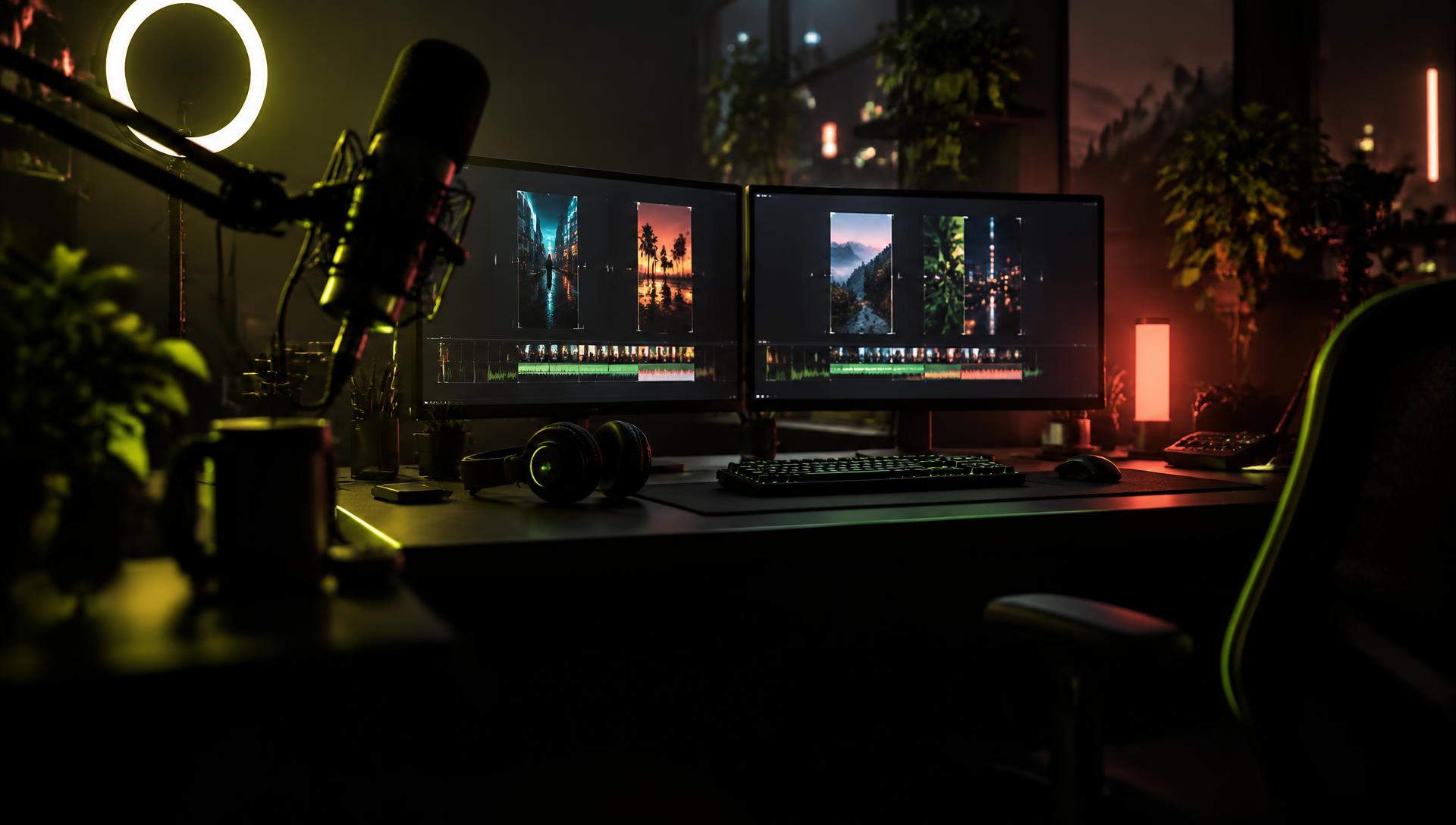
A dark creator studio at night with a broadcast microphone, ring light and monitors showing vertical clips

4

platforms, one link bar — YouTube live now

Edit

preview and refine your clips

1080p

crisp exports, captions burned in

100%

your brand, every clip

Illustrative clip examples

One video in. Find moments worth sharing.

These sample layouts, titles and scores illustrate the editor. Your generated clips depend on your footage. Request up to six clips at a time, then preview the results.
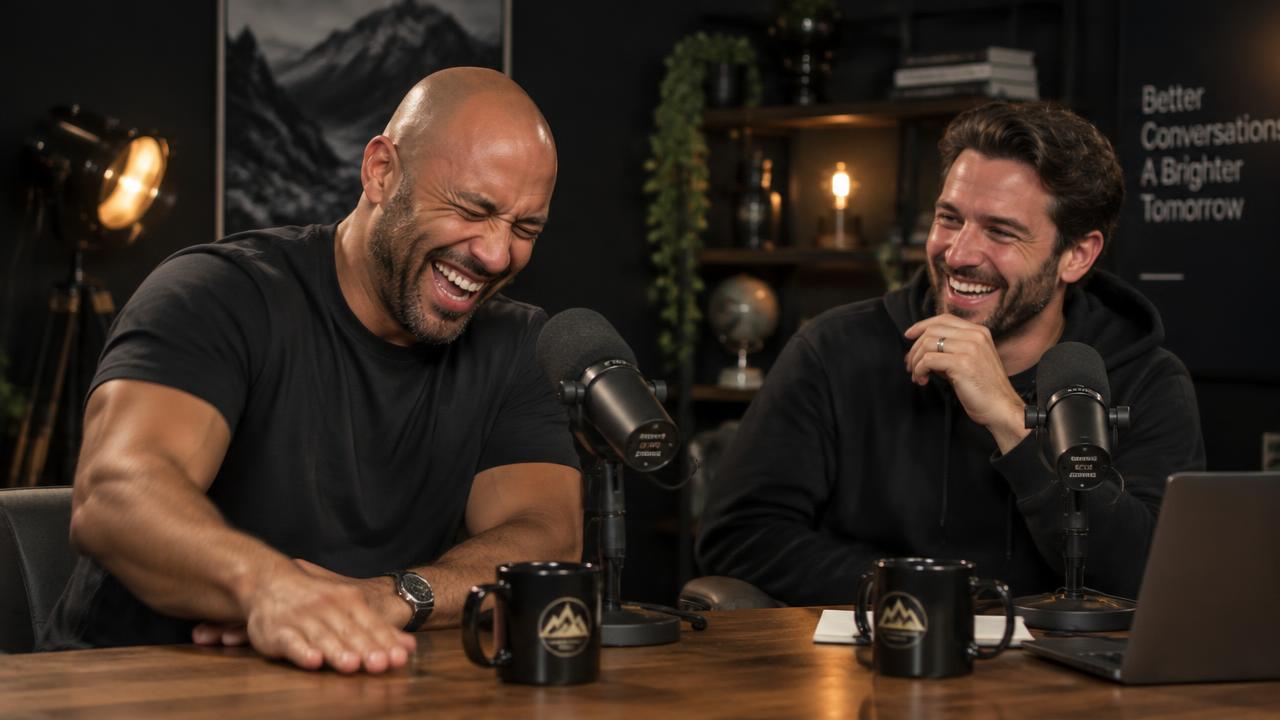
98score45:12

The laugh that broke the pod

Nobody saw that answer coming.

45:12 – 45:45 · 33s

Clip a video like this
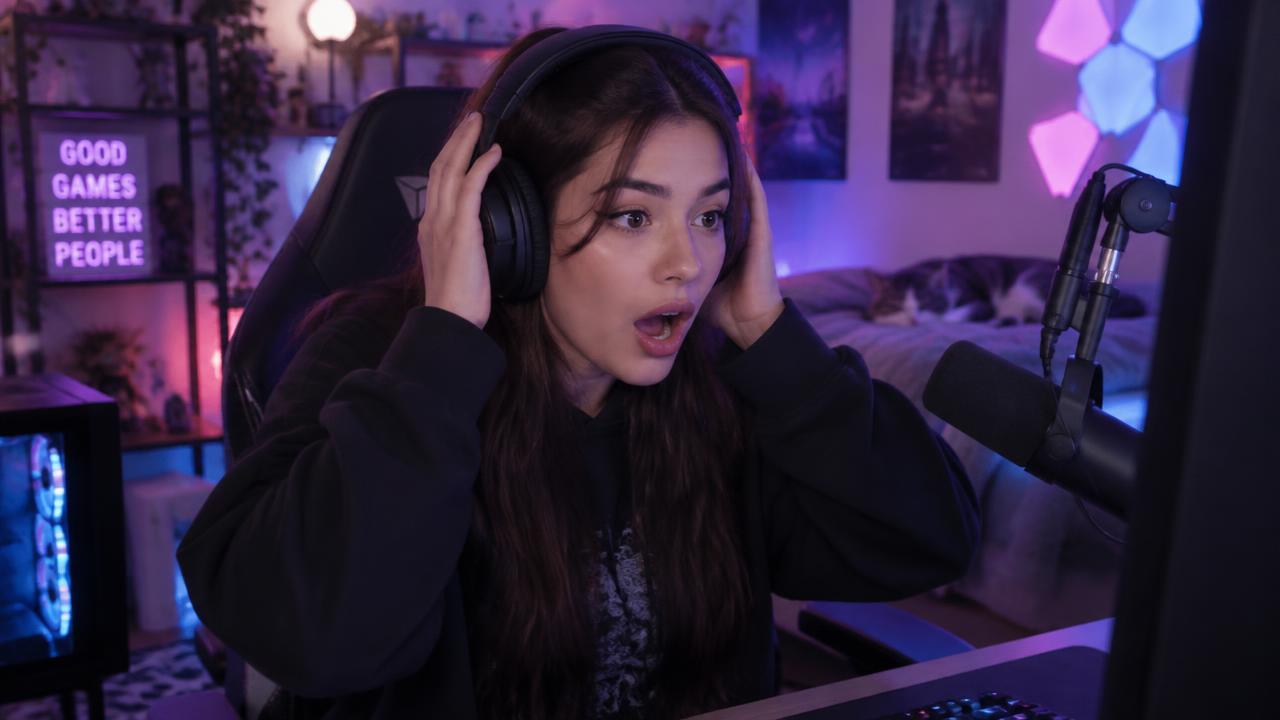
96score91:20

The clutch nobody believed

Chat went silent. Then exploded.

91:20 – 91:46 · 26s

Clip a video like this
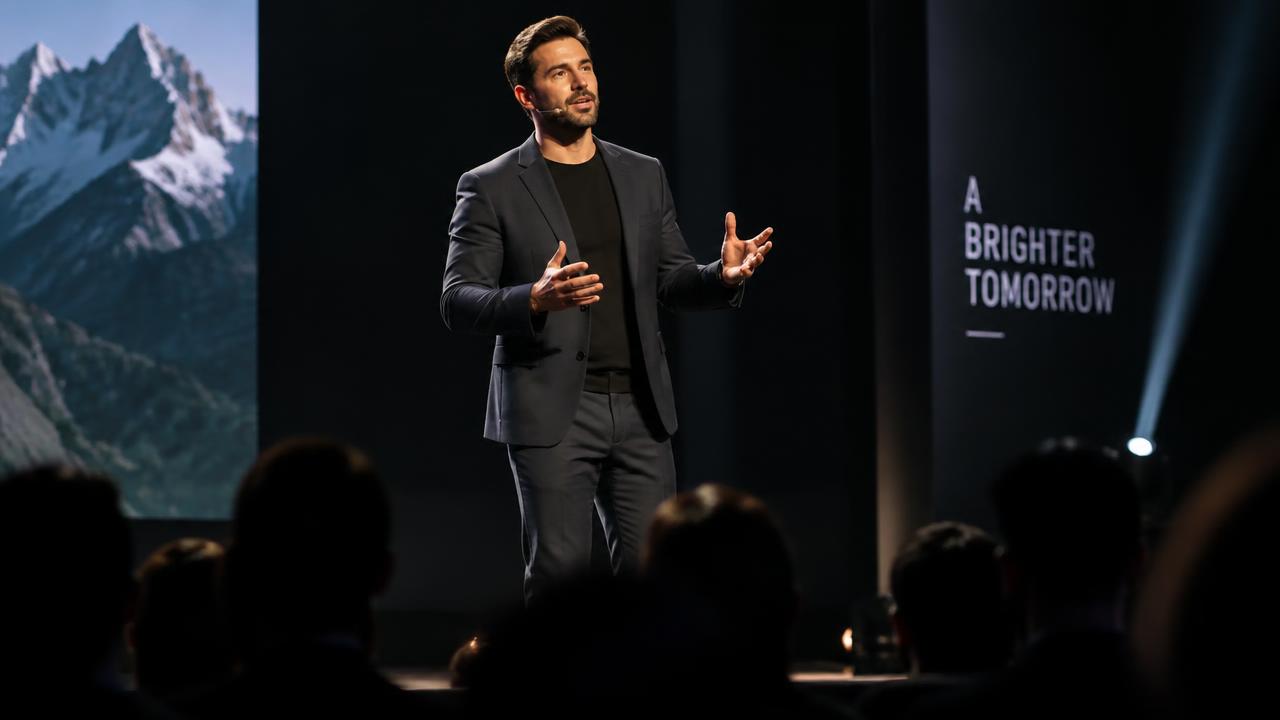
95score21:04

One line, standing ovation

The sentence the whole room quoted.

21:04 – 21:32 · 28s

Clip a video like this
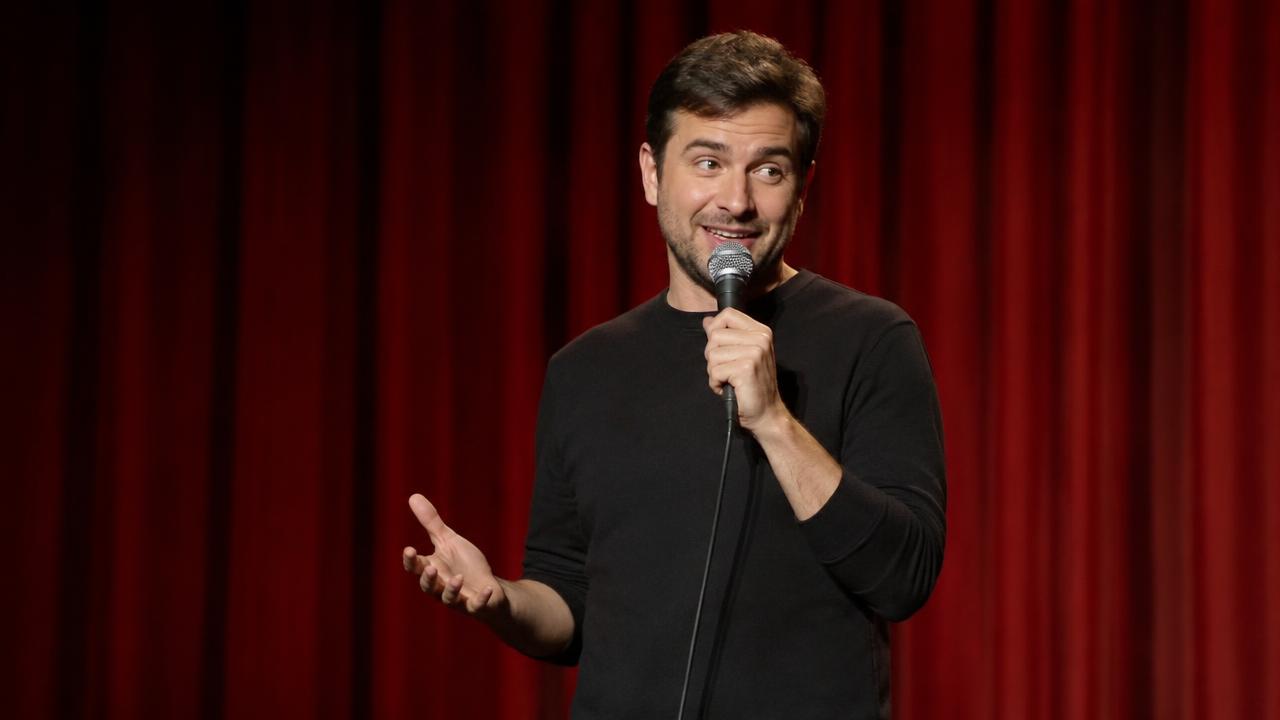
94score51:45
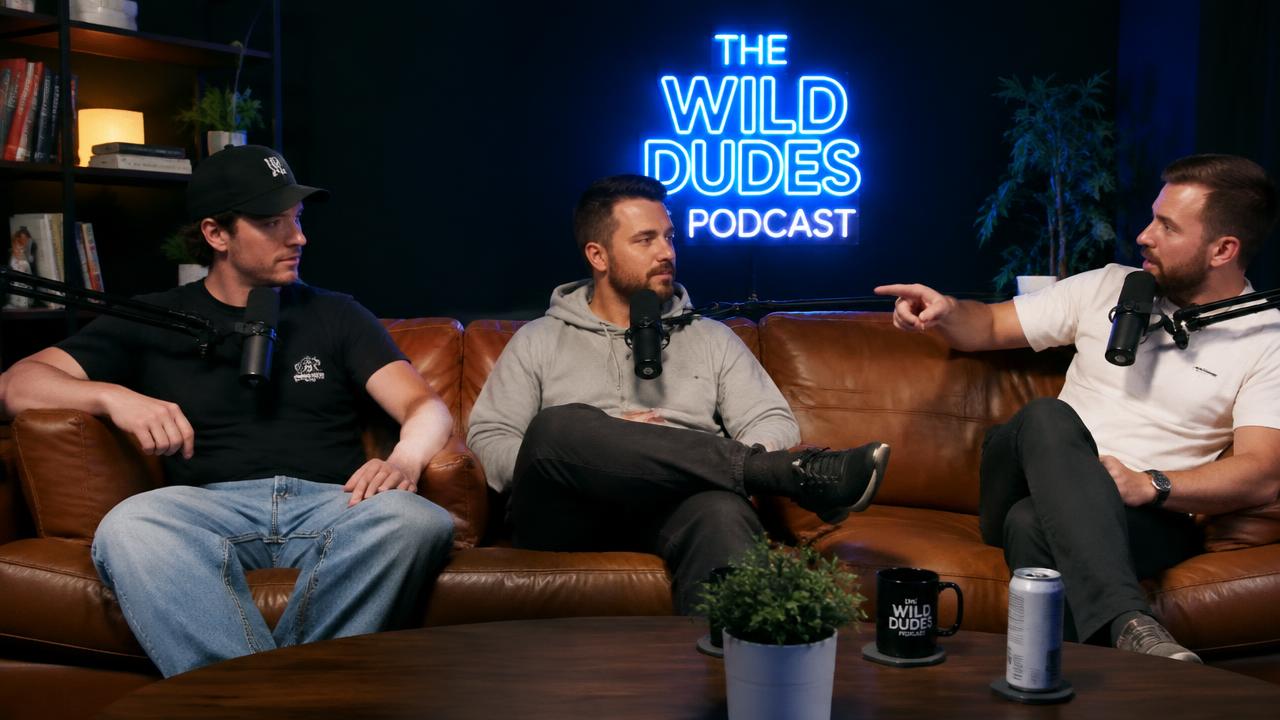
The punchline landed twice

The callback nobody expected.

51:45 – 52:11 · 26s

Clip a video like this
93score67:02

Three friends, one bad take

He doubled down. Big mistake.

67:02 – 67:30 · 28s

Clip a video like this
92score30:30

The story behind the story

The part they cut from TV.

30:30 – 31:02 · 32s

Clip a video like this
91score10:40

Flames on the line

Dinner service, zero margin.

10:40 – 11:04 · 24s

Clip a video like this
98score45:12

The laugh that broke the pod

Nobody saw that answer coming.

45:12 – 45:45 · 33s

Clip a video like this
96score91:20

The clutch nobody believed

Chat went silent. Then exploded.

91:20 – 91:46 · 26s

Clip a video like this
95score21:04

One line, standing ovation

The sentence the whole room quoted.

21:04 – 21:32 · 28s

Clip a video like this
94score51:45

The punchline landed twice

The callback nobody expected.

51:45 – 52:11 · 26s

Clip a video like this
93score67:02

Three friends, one bad take

He doubled down. Big mistake.

67:02 – 67:30 · 28s

Clip a video like this
92score30:30

The story behind the story

The part they cut from TV.

30:30 – 31:02 · 32s

Clip a video like this
91score10:40

Flames on the line

Dinner service, zero margin.

10:40 – 11:04 · 24s

Clip a video like this
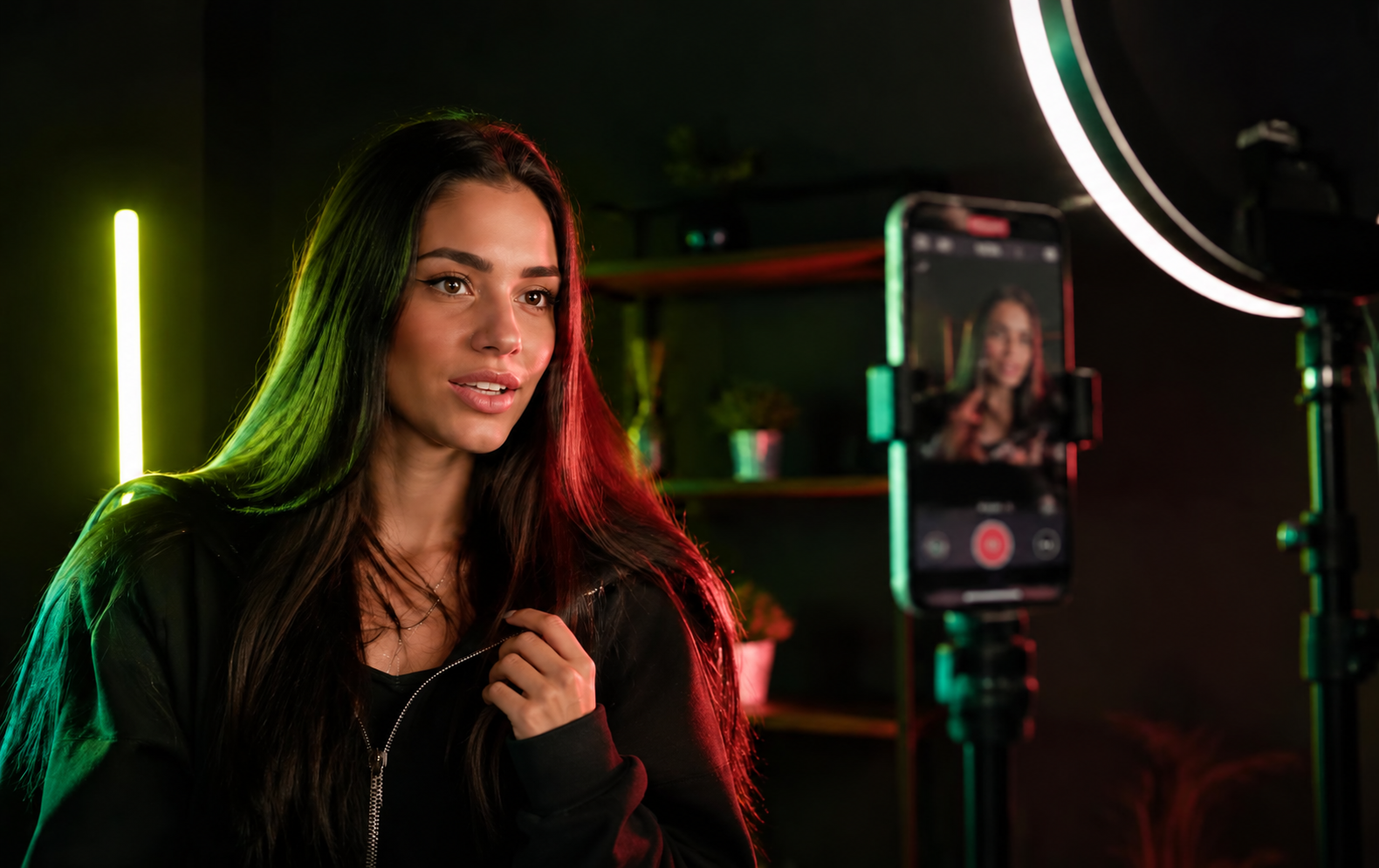
Creator filming a vertical clip on her phone
Your creative workflow

Your clips, your final say.

01

Preview your clip

Watch the selected moment and check its start and end before exporting.

02

Refine the details

Review captions, adjust the framing and apply your brand styling in the editor.

03

Check your export

Download the finished video and review it before sharing it with your audience.

Made for your feed

One good moment. So many possibilities.

PodcastGamingCookingFitnessTravelEducationInterviewsStreams
A little help to get started

Creator tutorials.

GUIDE / 01

Make your first clip

  1. 1. Paste a YouTube link, or open a clip from the demo project. Twitch, Kick and Rumble are coming soon.
  2. 2. Set the start and end. Use Preview selected clip to check it.
  3. 3. Open Export, create your download and save the file.
Try it yourself
GUIDE / 02

Frame it for your feed

  1. 1. Open a video and expand the Frame controls.
  2. 2. Choose vertical, square or landscape. Keep the full video or fill the frame.
  3. 3. Preview the automatic framing before creating your clip.
Try it yourself
GUIDE / 03

Add words that land

  1. 1. Expand Captions and type your on-screen text.
  2. 2. Adjust the text size. For timed captions, import an SRT file.
  3. 3. Preview the result, then export your captioned clip.
Try it yourself
GUIDE / 04

Keep your projects together

  1. 1. Sign in and open your Projects.
  2. 2. Save a YouTube link (Twitch, Kick and Rumble coming soon).
  3. 3. Search your projects and keep every clip in one place.
Open Projects
From footage to your feed

Your clips. Your creative control.

Streamers

Give your best stream moments another life. Turn saved footage into clips your community can share.

Make your next clip

Gamers

The clutch. The chaos. The comeback. Clip your favourite plays and make them ready for the feed.

Make your next clip

Podcasters

One conversation. More ways to be heard. Clip the answer worth sharing, add captions and frame it for your feed.

Make your next clip

Marketers

Turn demos, launches and customer stories into short clips that get to the point.

Make your next clip

Start shaping your first clip.

Paste a link, find the best moments, and shape them for your feed.

YouTube·Twitchsoon·Kicksoon·Rumblesoon